Settings
On this page, you can enable the Maintenance mode and add currency conversion for the casino.
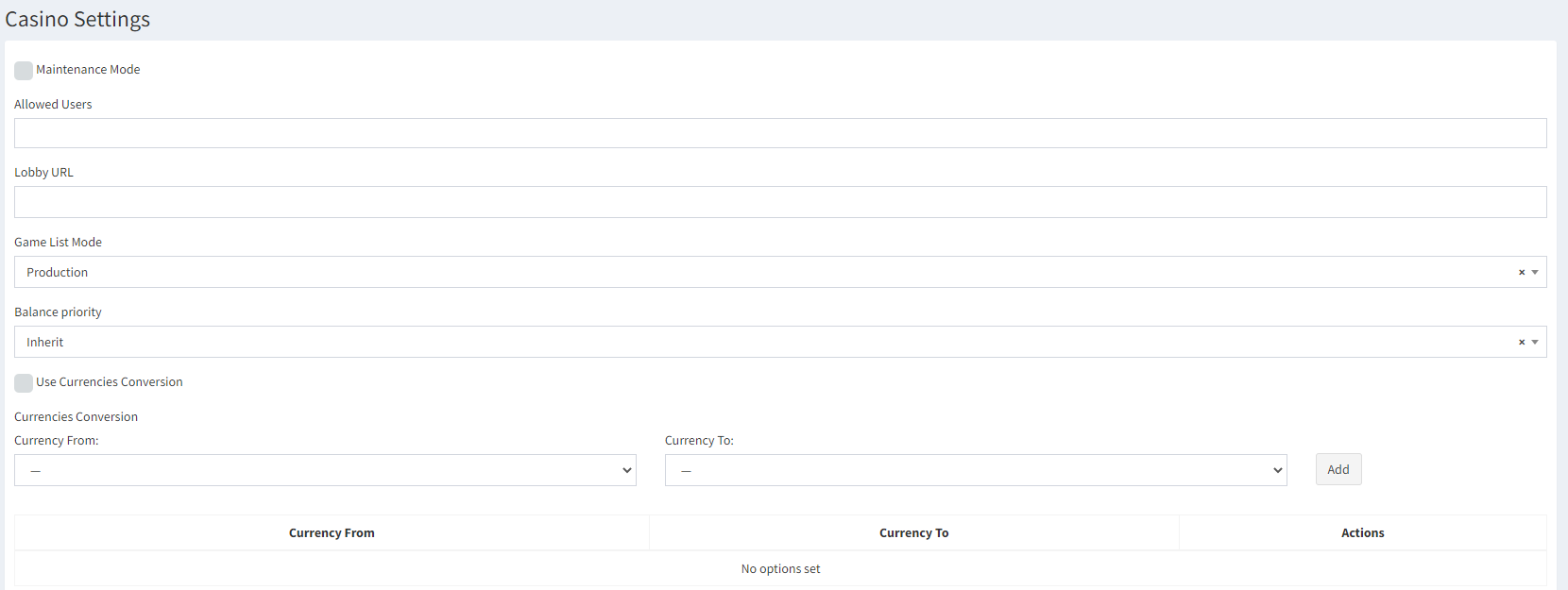
Maintenance mode enables the maintenance for the casino. In this mode, the section is not displayed to any users except those who are selected in the Allowed Users List.
Lobby URL – the link to the provider's casino lobby in the interface of the casino games. By default, this field is empty, because not all of the providers have that parameter. You can clarify the list of available providers with your casino manager.
Some providers have games that currently are tested and not ready for production yet. The Game List Mode drop-down switches visibility of games in the Casino section to either production or test games. Please, make notice that this drop-down list switches ALL games of ALL providers to the chosen mode. This setting should have Test mode for test/stage server and Production for the production server.
The Balance priority defines balance priority for the casino games. There are two types of balances in the Evenbet system: Money balance and Real balance. In this drop-down list, you can select, the money from which balance should be used in the casino game. Possible values:
- Inherit – the value is defined by the position of the Configuration setting GlobalSpendingMoneyPriority.
- Money Balance Only – the money is taken only from the player's real balance for the bet and the winnings are returned to the real balance;
- Bonus Balance Only – the money is taken only from the player's bonus balance for the bet and the winnings are returned to the bonus balance;
- Money Balance First – the money is taken first from the player's real balance for the bet, and if there is not enough money, then the rest is taken from the bonus balance. The winnings are returned to the bonus balance, but not more than what was initially taken from the bonus balance. The rest goes to the real balance.
- Bonus Balance First – the money is taken first from the player's bonus balance for the bet, and if there is not enough money, then the rest is taken from the real money balance. The winnings are returned to the real balance but not more than what was initially taken. The rest is added to the bonus balance.
- Money Balance First Proportional Return – the money is taken first from the player's real balance for the bet, and if there is not enough money, then the rest is taken from the bonus balance. The winnings are returned to the balances proportionally to what was used for the bet.
- Bonus Balance First Proportional Return – the money is taken first from the player's bonus balance for the bet, and if there is not enough money, then the rest is taken from the money balance. The winnings are returned to the balances proportionally to what was used for the bet.
- Bonus Balance First Return Surplus to Money Balance – the money is taken only from the player's real balance for the bet and the winnings are returned to the real balance but not more than what was initially taken.
- Bonus Balance Only Return Surplus To Money Balance – the money is taken first from the player's bonus balance for the bet, and if there is not enough money, then the rest is taken from the real money balance. The winnings are returned to the bonus balance, but not more than what was initially taken from the bonus balance. The rest goes to the real balance.
Note: The general casino balance priority has a priority over the system and user settings but not provider and specific game settings. I.e., if a casino game or provider balance priority is different from the casino balance priority, the provider/game settings will be used.
Use Currency Conversion – enables automatic currency conversion for the casino games. The conversion is configured by the account manager and is available for all currencies. The casino currencies can be different from the poker currencies.
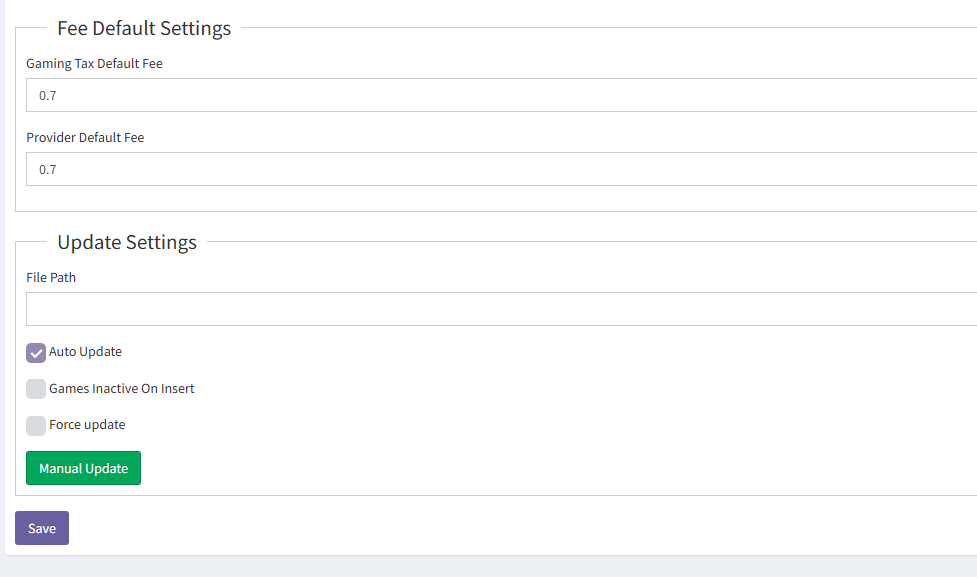
Fee Default Settings – allows the administrator to set up default fee taken by the providers and the default government tax. Note: That money is not taken by default from room's profit, it is just used for the reports calculation. All settlements with providers/government should be done outside of the Backoffice.
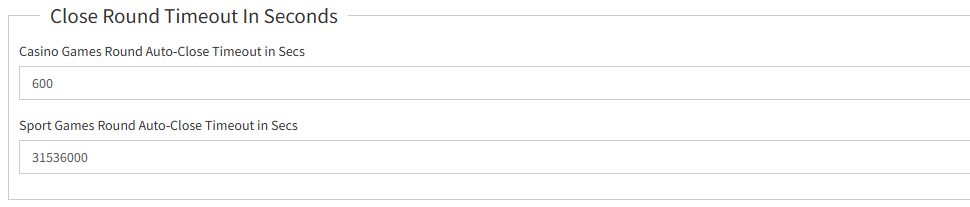
Close Round Timeout In Seconds – configures the automatic round close timeout for casino and sport games.
- Casino Games Round Auto-Close Timeout in Secs – specifies the duration, in seconds, before casino game rounds are automatically closed. If not specified, the value from the CasinoRoundsAutoCloseTimeoutSeconds setting is used.
- Sport Games Round Auto-Close Timeout in Secs – specifies the duration, in seconds, before sport game rounds are automatically closed. For sport games, the default value is 1 year (31536000 seconds).
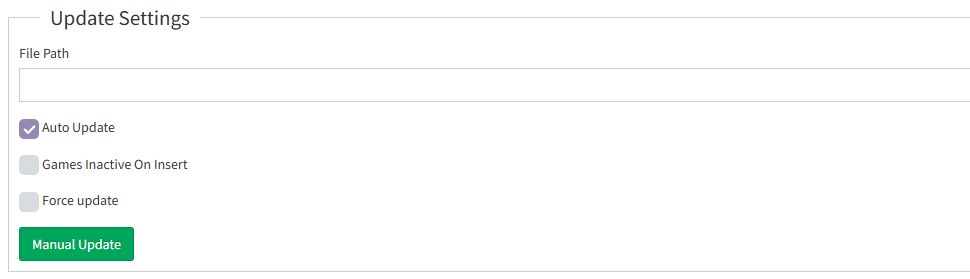
Update Settings – in this section, the administrator can specify a path to the json file that contains current system data. The file version.json contains the link to the file with system data and this file's version. The cron task is launched at 00:00 every day if the file with newer version appears. This cron task can be disabled by disabling the Auto Update checkbox.
-
File Path – the field where the administrator enters the link to the external file used for updating game data.
-
Auto Update – this checkbox enables or disables automatic daily updates of game data (categories, providers, games) using the file specified in the File Path field. When enabled, the system checks this file at 00:00 and applies an update if a newer version is available.
-
Manual Update – this button allows the administrator to immediately trigger the update process using the file specified in the File Path field. The update is performed regardless of the automatic update schedule.