Provider List
Here, you can see the list of providers, which games are integrated in your system. From this page, you can access the settings of a specific provider or deactivate it.
Each provider has individual set of available currencies. For example, not all providers support crypto-currencies and some local currencies. Your casino manager can provide information regarding specific currencies and providers.
Another important thing is that not all providers support demo-versions of the games, also known as ‘play for fun'. If ‘play for fun' is enabled, it is only available for the logged in users. If you would like to enable/disable it, please, submit the request to your casino manager.
The providers have restricted territories lists, so some providers may not be available in your country. You can clarify the information regarding this matter with your casino manager.
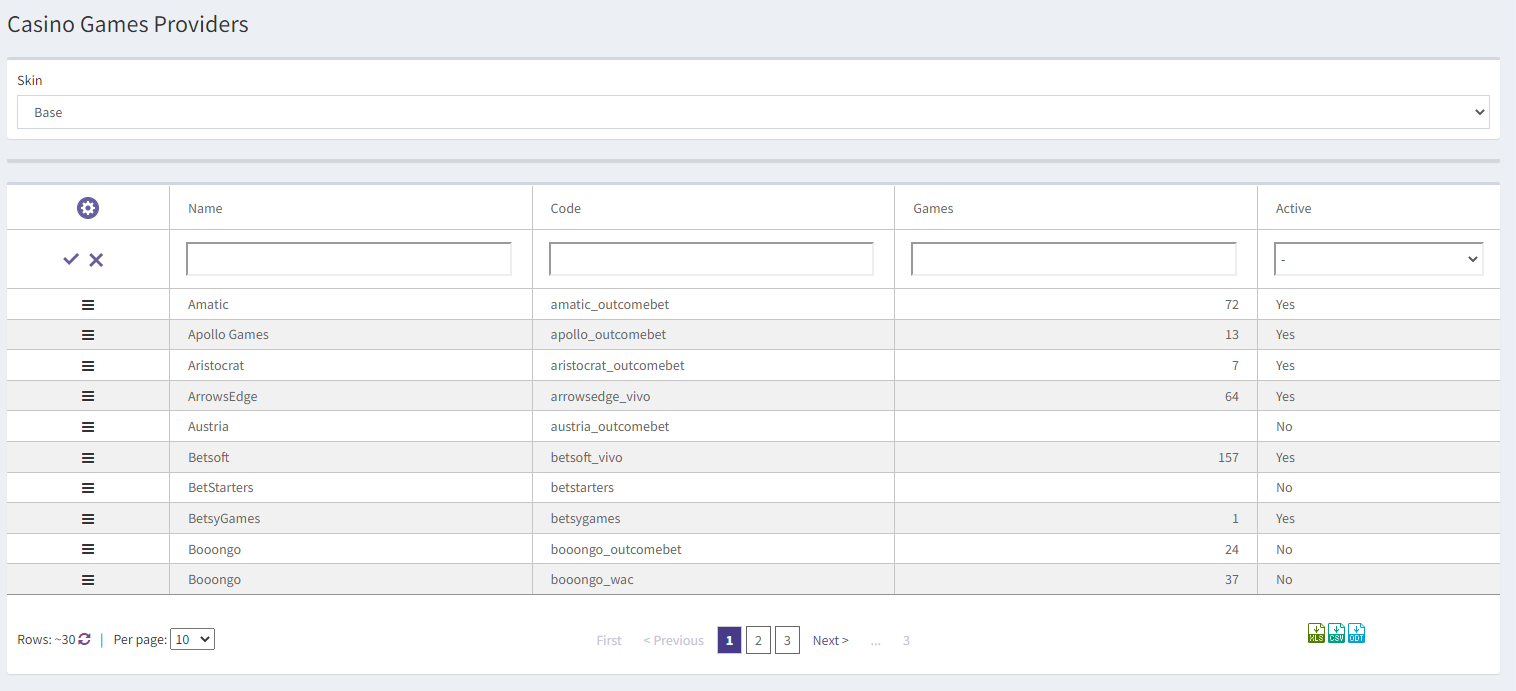
On top of the page, you can see the Skin drop-down list. You can select a skin, for which you would like to configure the providers. For each provider, you can see the Name, its Code, the number of Games and whether the provider is Active.
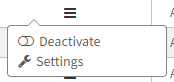
The hamburger button from the first column allows you to edit or activate/deactivate a provider:
Note: Each provider has its own settings page with different sets of fields. Please, do not change any of these settings without consulting to your EvenBet casino manager first. A change to any of these fields may cause errors in the games of the chosen provider or make them unavailable.
If you want to change limits or some other provider configuration, please, contact your EvenBet casino manager.
The Per Page drop-down list allows you to choose how many rows should be displayed on each page.
The list can be downloaded as .XLS, .CSV or .ODT file with the icons  Note: The maximum number of items in the downloaded report is 100000.